 COME
COMECOME Listing, APK File and Installed App: Compare the Details
A listing describes an offer, the APK is the saved package, and the installed app is what Android has placed on the phone. Compare corresponding details without treating them as the same object.
The listing is your starting information
The current COME app record lists v1.12 and 3.1MB, checked on 20 September 2026. That tells you what the record says at that time. It is not a measurement of the particular bytes downloaded to your phone or a claim that every channel offers the same release.
Keep the check date separate from a release date. A page can be checked today while describing a release published earlier. If a later offer appears, compare its actual details before deciding whether your installation needs changing.
The file is a separate item
Once a transfer completes, the browser Downloads entry refers to a saved response. Read the filename, status and available details, and connect them to the source you used. A filename alone cannot prove the package's publisher or technical application identity.
A friendly label such as COME APK is not the same as an Android package identifier. When comparing technical identities, use information about the actual package or installed application. A repeated app name cannot substitute for that identifier.
The installed app adds another observation
Android App info can identify the application and show version information, with menu wording depending on the device. If COME already opens, use this installed version as context when considering another file. Note it before an update rather than trying to remember it afterward.
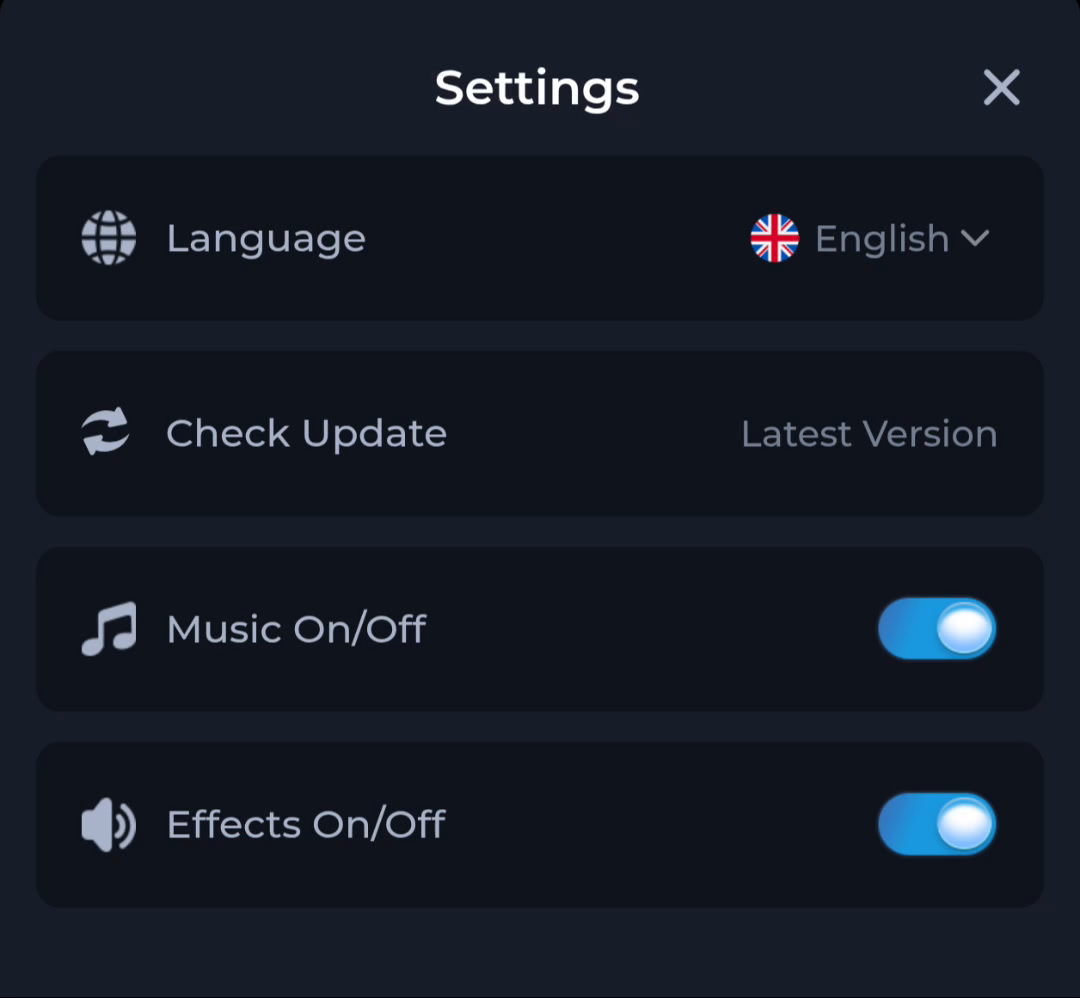
COME Settings also provides Check Update. The status wording Latest Version is not a substitute for a version number. Use it to understand the app's update-check action, then compare actual release details.
Compare like with like
Compare version to version, transfer size to file size and installed storage to installed storage. Do not compare a download size with the app's total storage and call the difference a faulty file. The installed app can use space for its code, data and cache.
For example, a browser may save two files with similar names, one including (1). That suffix does not tell you which release is newer. A larger stored size likewise does not prove an upgrade. Return to the source and version information.
Keep discrepancies specific
If the listing and offered package disagree, preserve what each says and the time you saw it. If Android rejects the file, keep the exact error. These observations can support a source or device question without diagnosing a cause prematurely.
Do not fix a metadata mismatch by changing the filename or erasing the installed app. Those actions change the context, not the truth of the release details. Resolve the question before installation or update.
Know when to stop
A useful comparison names all three objects and matches the relevant fields. Continue only when the intended package and device context are clear; keep unexplained differences for the source or device help route.
Related: COME APK Size versus Android Storage: What Each Number Means